How to Turn One Blog Post into a Sales Asset Your Team Actually Uses
Ask your sales team one question:
“Which blog posts do you actually send to prospects?”
If the answer is “none”, your blog is not a sales asset.
It’s just content.
You can fix that—without redoing your whole website—by designing posts that work for: - search intent and - real deals in the pipeline.
1. Choose topics from objections and decisions, not random keywords
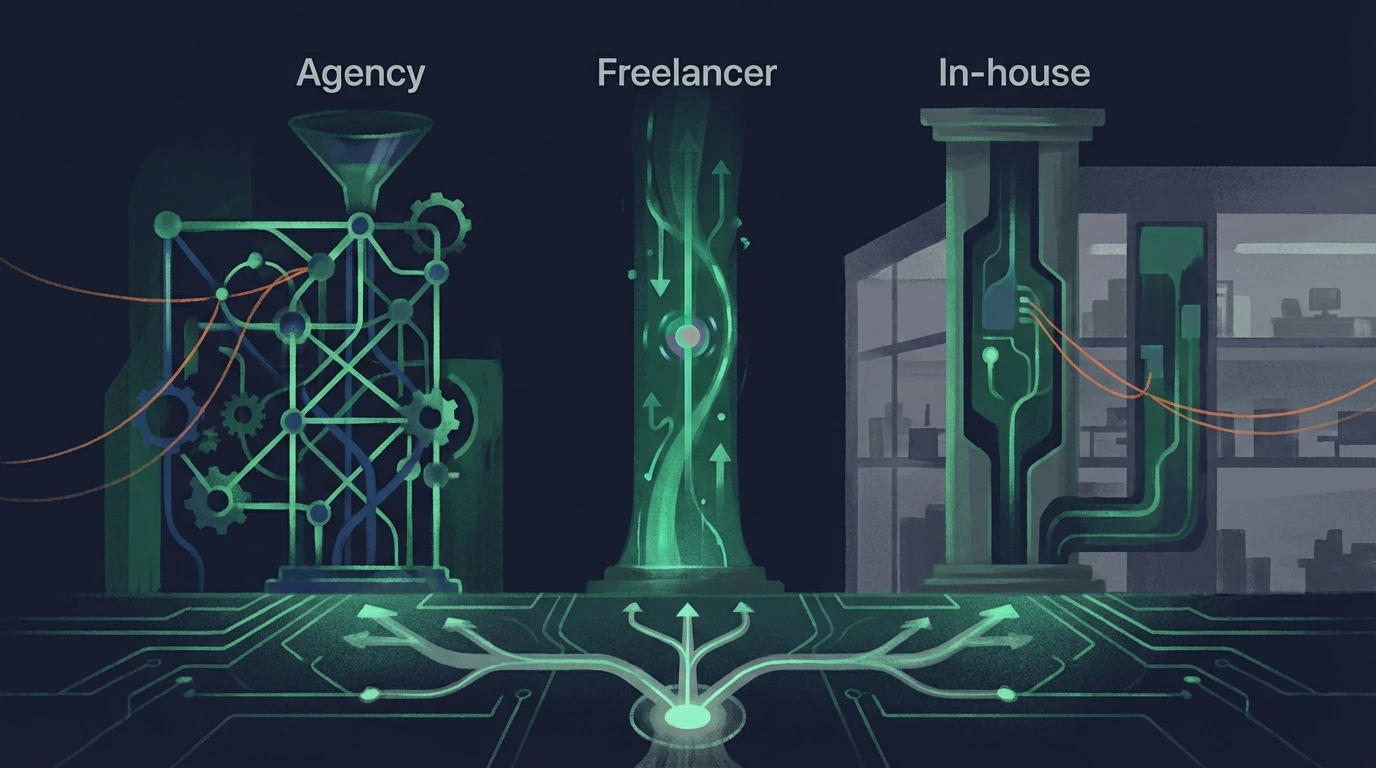
Sales-supporting posts come from: - frequent objections: - “why are you more expensive?” - “why not use a template or a cheaper freelancer?” - status quo questions: - “do I really need a brand new website?” - “should I fix conversion before buying more traffic?” - comparisons: - “agency vs in-house” - “platform A vs platform B for leads”
Use Keyword Generator to confirm these topics also have search volume with decision intent.
If nobody searches it and sales never hears it, don’t write it.
2. Design the post for a specific sales use case
Before writing: - who will send it? (founder, SDR, strategist) - when in the funnel? (initial interest, proposal, negotiation) - what belief do you want to change in the prospect?
Then structure the article:
1. State the decision: “how to choose X vs Y” (or “when Z makes sense”).
2. Show real tradeoffs (including when you’re not a fit).
3. Explain your mental framework—not just your services.
4. End with a next step that matches that decision.
Here it helps to think through Website Messaging Strategy: problem → belief change → outcome → process → CTA.
3. Make it findable and credible via SEO
Once the sales angle is set, align SEO with it:
- Use Keyword Generator to choose a primary decision query.
- With Meta Analyzer, sanity-check that the snippet:
- clearly signals the decision
- is neutral enough that an evaluation-stage prospect will click
Then use AI SEO Analyzer to check: - does the content read like disguised sales copy? - or like an honest, useful analysis with judgment?
You want credibility, not hype.
4. Wire internal links for the funnel and for sales
Inside the post:
- Link “up” to the most relevant service page (“money page”).
- Link “sideways” to:
- 1 related decision article
- 1 structural guide for deeper context (for example How to Analyze a Website or High-Converting Website Structure)
Example:
- when discussing redesign vs optimization
→ link to your web strategy service page
→ mention Website Analyzer as a concrete way to see what’s broken today
Result:
- for anyone arriving from Google
- and when you send it 1:1 to a prospect
5. Turn it into a standard sales play
Once published: - share the post with the sales team (and specify which scenario to use it for) - write 2–3 email snippets, for example: - “Here’s a short breakdown about [the decision] we usually share with clients in your situation.” - include it in proposal templates as “recommended reading to decide”
During your next quarterly conversion review (using your framework): - track how often the article gets used in deals - compare close rates for deals that saw the content vs those that didn’t
Use Website SEO Audit Checklist to make sure technical issues aren’t sabotaging a piece you rely on.
What to do next (turn it into a sendable asset)
- Pick 1 post your team should actually send.
- Add “send contexts” inside the article: objections, comparisons, or status-quo doubts.
- Make sure the structure matches the funnel stage using Funnel-First SEO: How to Turn Search Traffic into Sales Conversations.
- Check the CTA path works (don’t fix content while your “book a call” step is broken) with Your “Book a Call” Button Isn’t the Problem: Here’s What’s Actually Killing Conversions. If conversion still stalls, revisit 5 Website Conversion Mistakes That Kill Leads.
- Measure influence: which pages lead to qualified leads with SEO Attribution for Small Businesses: Prove Which Pages Generate Qualified Leads.
If you’re tempted to write “helpful” posts that never convert, apply the revenue filter in Stop Publishing “Helpful” Content That Never Converts: How to Decide If a Topic Deserves a Call-to-Action.
Strong takeaway
Sales-supporting content isn’t decoration. When you design posts as dual-use assets (SEO + deals), you get: - better organic capture of decision intent - faster, clearer sales conversations - a reusable “how we think” library your team can scale
That’s when the blog stops being marketing noise and becomes a closer inside your pipeline.