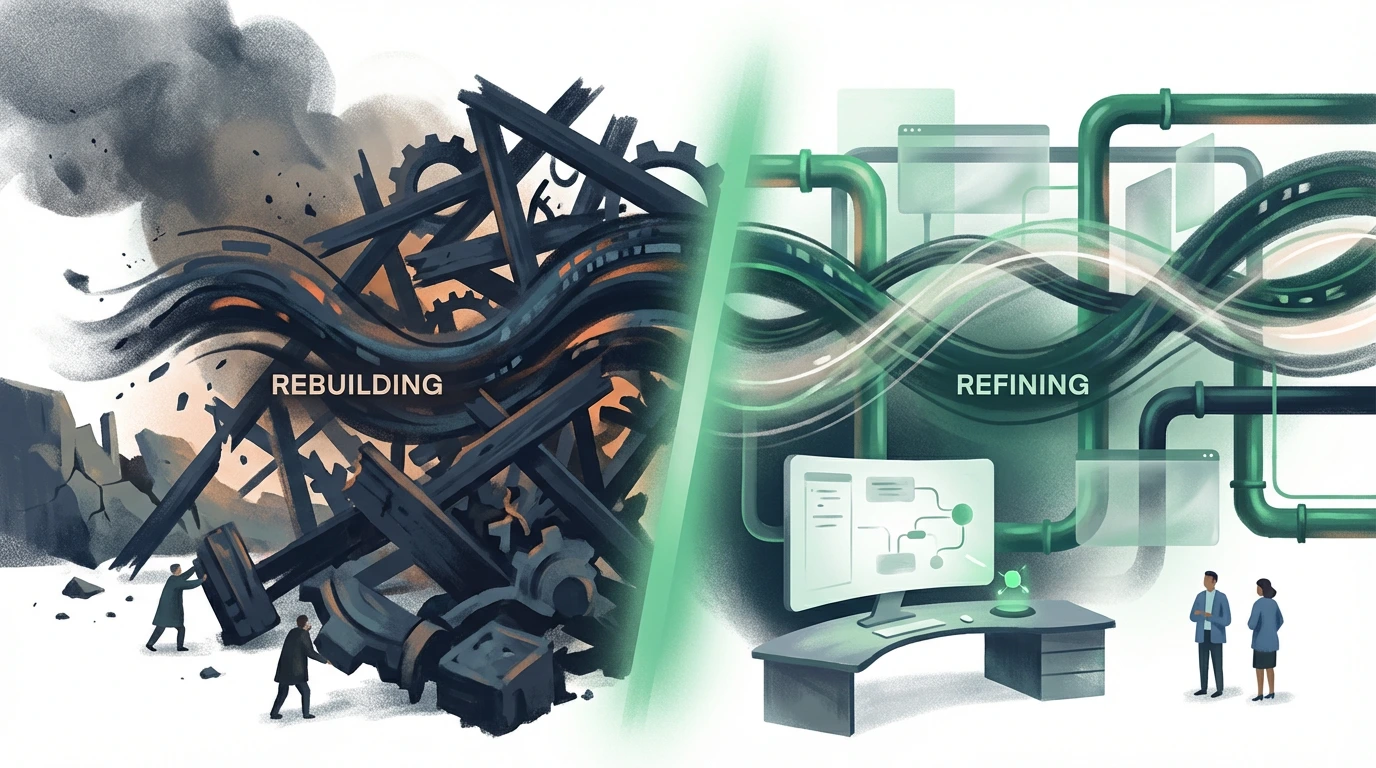
Website Redesign vs Optimization: Which One Actually Increases Leads?
Most redesigns are not strategic decisions.
They’re emotional reactions to poor performance.
The risk: you rebuild a site that still doesn’t convert—just with nicer colors.
You need a decision framework:
optimize or rebuild?
Step 1: Check if the problem is visibility or conversion
Start with three questions: 1. Are we getting any meaningful traffic from search or campaigns? 2. Do we know which pages people land on first? 3. Do those pages have a clear, believable path to a lead?
If you can’t answer those, don’t call a designer yet.
Use Website Analyzer as your starting point: - check which pages have potential - see obvious structural issues - identify core paths that should be driving leads
Step 2: Run a “money-page first” audit
Your website is not one thing.
It’s a set of money pages plus support.
Money pages are: - service pages - service + location pages - key landing pages used in campaigns
For each money page, look at: - does the URL map to a real intent? - does the title/description fit what a buyer would click? - does the first screen help them decide or confuse them?
Use Meta Analyzer on these pages: if meta is generic, misaligned, or clickbait, a redesign won’t fix the core mismatch.
Step 3: Use structure, not aesthetics, as your main signal
Ask: is the structure salvageable?
Look for: - logical navigation (people can find services easily) - clear separation between homepage, service pages, and content - a flow that can be improved without replatforming
If the skeleton is close to what High-Converting Website Structure recommends, you probably don’t need a redesign—you need focused optimization on copy, CTAs, and proof.
If the skeleton is chaos (no real service pages, everything is a blog, or navigation is a junk drawer), then a structured rebuild is likely warranted.
Step 4: Run the content/intent test
Redesigns often ignore this:
is your content answering the right questions, in the right place?
Use Keyword Generator to map: - decision queries → money pages - problem/education queries → supporting content
Then use AI SEO Analyzer to see how your pages are likely interpreted: - do they look like solutions? - or like generic “tips” nobody will contact you from?
If intent and content are wrong, changing layout won’t fix that.
You need content and messaging work, not just design.
Step 5: When optimization is enough
Optimization is usually best when: - tech stack is stable (no constant bugs) - pages load reasonably fast and are mobile-friendly - structure is close to what you need - money pages exist but are underperforming
Fix list: - clarify the offer above the fold - tighten copy using Website Messaging Strategy as your guardrail - strengthen proof and CTAs - improve internal links using Internal Linking SEO Best Practices
This costs less than a rebuild and often unlocks leads faster.
Step 6: When a redesign is the right move
A true redesign makes sense when: - tech debt or CMS limitations stop you from shipping improvements - structure is impossible to untangle without starting over - the brand direction and offering have fundamentally changed - every attempt at optimization fights the platform itself
Before committing, follow How to Analyze a Website to document: - what you’ll carry over - what dies with the old site - which lead paths must exist from day one
Final decision rule
- If you can clearly identify specific pages and flows to improve, optimize.
- If the platform, structure, and messaging are broken at the root, redesign.
Either way, the question is the same: what will increase qualified leads fastest with the least waste?
What to do next
Use this decision as the start of an execution plan (not a debate):
- If you’re leaning “optimization”, run a quick lead conversion audit first using Why Your Website Isn’t Generating Leads and then apply the fixes checklist from 5 Mistakes That Kill Your Website Conversions.
- If you’re leaning “redesign”, don’t rebuild in the dark: measure what the current site is doing with Measuring Website ROI, then set your money pages and proof blocks before the design kickoff.
- Validate your execution on the pages that matter most:
- Run the Website Analyzer on your top money pages.
- Tighten click odds with the Meta Analyzer so your redesign/optimization actually wins the click.
- Once the project is live, lock in a quarterly improvement rhythm using The Quarterly Website Conversion Review: A Simple Process to Keep Your Site Printing Leads.
To avoid redesigning into confusion, apply One Page, One Outcome: Design for Leads, Not Sessions to your money pages before launch.
That’s how you stop making redesigns emotional and start making them lead-driven.